
The main Organization Settings tab holds the basics that everything else builds on: your company info, working hours, holidays, and tax rate.
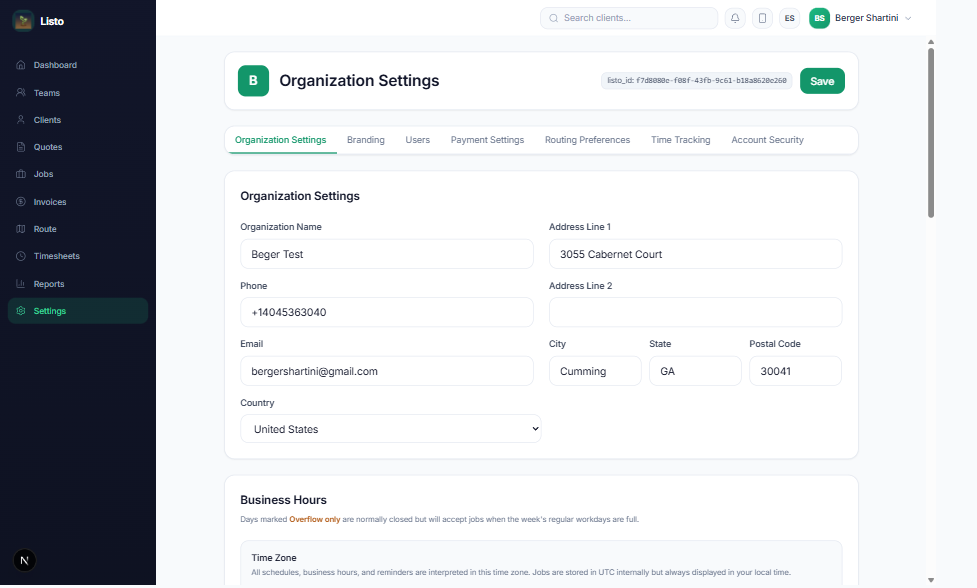
Business hours and time zone
- Set Open and Close times for each day of the week — scheduling and route planning stay inside these windows.
- Mark light days as Overflow only: they stay closed unless the week's regular workdays fill up, then Listo uses them for the spillover.
- Confirm your Time Zone — all schedules, reminders, and business hours are interpreted in it.
Holidays and days off
- 1Under Holidays / Company Days Off, pick the date and an optional reason (holiday, weather closure, training day).
- 2Click Add Day Off.
- 3Jobs already scheduled on that date are shifted forward to the next available workday, and routes are re-planned automatically.
Tax settings
- Set a Tax Name (Sales Tax, GST, VAT — whatever appears on your documents) and a Tax Rate percentage.
- Tax is calculated automatically on all new invoices and quotes; the Tax Preview shows the math before you save.
- Set the rate to 0 to disable tax entirely.
Tip: Also on this tab: Reminder Emails (next-day appointment reminders to clients) and Enforce Job Duration Limits, which makes route optimization respect each job's estimated duration instead of just team job counts.